
Bandit Level 1-2

To solve the first level of bandit it gets a bit tricky, we connect to the wargames by the same way we did for bandit except we write the level name like this:
ssh -p 2220 bandit1@bandit.labs.overthewire.org
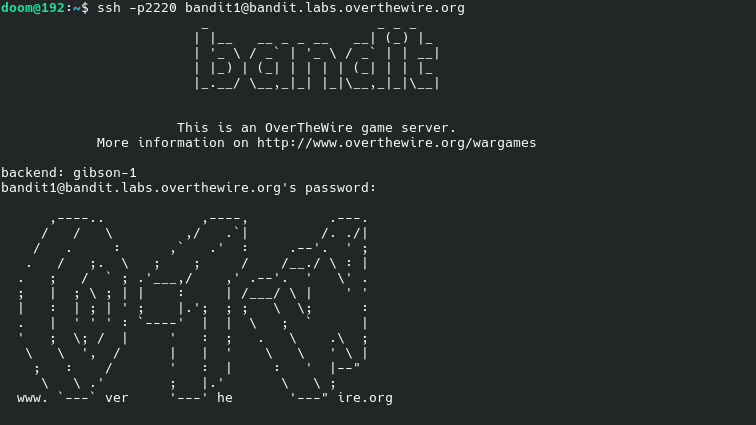
After enter the correct password, we use the same command, ls to navigate the available directories:
ls
We will notice the file name is "-", any attempt to make it open using the following command won't work:
cat -
The output to this command is an error, so we have to get a bit creative with this to solve it we use ./ at the start of the file name so the output should be like this:
cat ./[file_name]
Which in our situation would be like:
cat ./-
After executing this command you should get the password to the next level of the wargames.
Once again, remember to save every password for ever level, because if you get too far without saving your passwords you might have to start all over!